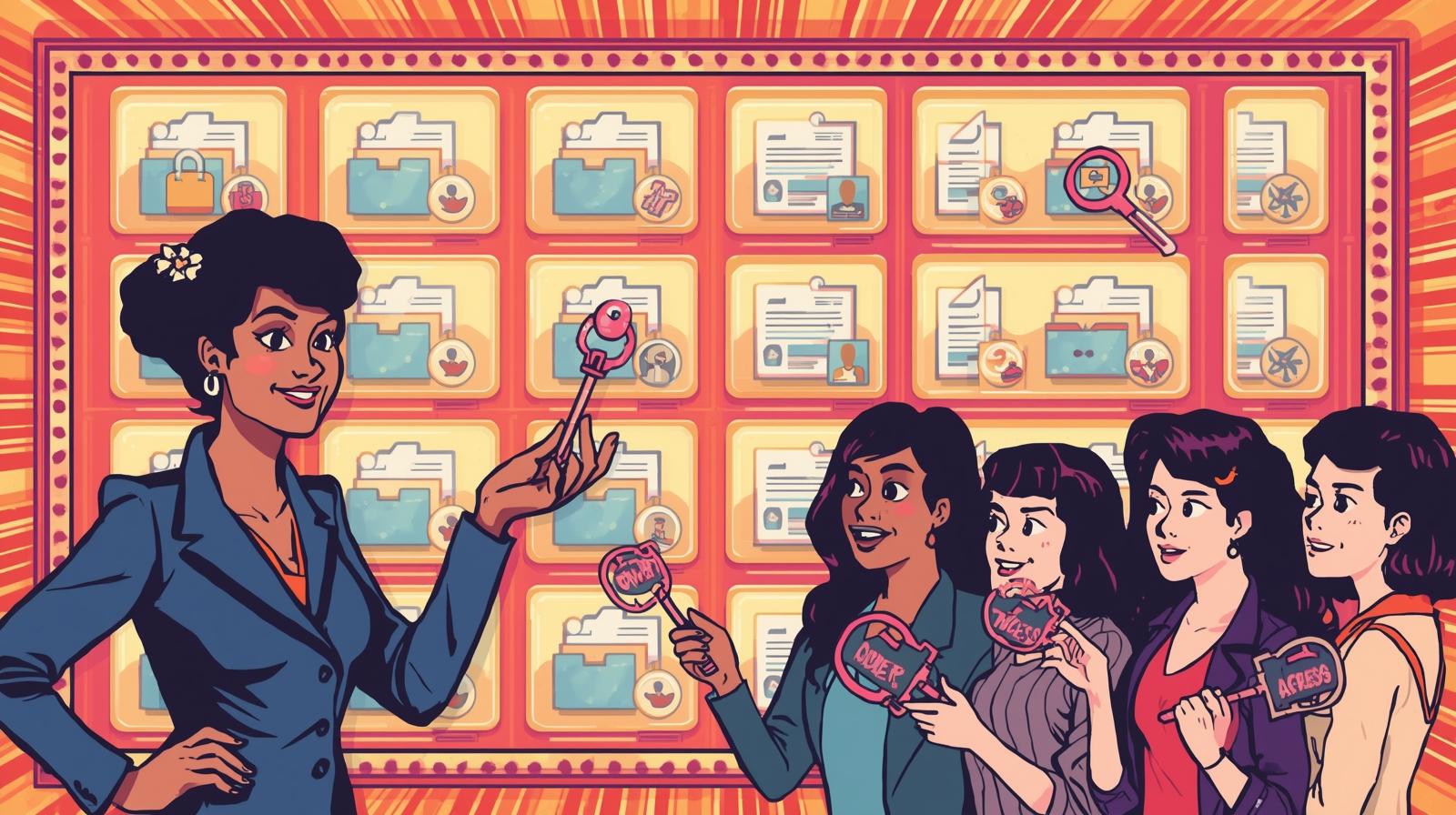
So you've finally got your shit together using Stashdog (congratulations, by the way), but now you need to share access with your partner, roommate, or that one friend who somehow always knows where everything is. Here's how to share your meticulously organized digital inventory without losing your mind or your control.
The Basics: Sharing an Item
Step 1: Open any item in your inventory and tap the item details view.
Step 2: Look for the menu (usually three dots or a gear icon) and select "Share Item".
Step 3: Enter the full email address of the person you want to share with. Yes, the full email - StashDog isn't a mind reader.
Step 4: Choose their permission level (more on this below).
Step 5: Hit share and they'll get an invitation to access your item.
Permission Levels: Choose Your Fighter
StashDog has three permission levels, and picking the right one is crucial unless you want chaos:
Viewer Access
- What they can do: Look but don't touch. They can see the item, its photos, tags, and location.
- Real-life example: Perfect for your landlord who needs to see your appliance model numbers for maintenance, or your insurance agent documenting your valuables.
Editor Access
- What they can do: Everything Read can do, plus modify details, add photos, update locations, and change tags.
- Real-life example: Your spouse managing shared household items, your roommate updating the location of that drill you both use, or your assistant managing your office inventory.
Owner Access
- What they can do: Full control - everything Edit can do, plus they can share the item with others and change permission levels.
- Real-life example: Your business partner managing shared equipment, your adult child helping organize estate items, or your co-organizer for that garage sale you've been planning for months.
Managing Your Shares: Keep Track of Your Digital Generosity
To see everything you've shared: Go to your drawer menu and tap "Shares". This shows all items you've graciously allowed others to access, organized by person and permission level.
To check who has access to a specific item: Open the item details and use the same menu option. You'll see everyone who has access and their permission levels - perfect for those "wait, who can see this again?" moments.
Container Sharing: The Gift That Keeps on Giving
Here's where Stashdog gets really smart (and potentially dangerous if you're not careful). When you share a container - like your "Kitchen Storage" box or "Garage Tools" collection - everything inside that container gets shared with the same permission level.
This includes:
- All items currently in the container
- Any items you add to the container later
- Other containers inside that container (yes, it's recursive)
- Everything inside those nested containers
Real-life scenario: You share your "Camping Gear" storage bin with Edit access to your camping buddy. They can now see and update your tent, sleeping bags, camp stove, AND that nested "First Aid Kit" container with all its contents. It's like giving someone the keys to your entire camping setup.
The Classified Exception: Your Secret Stash
But wait - there's a safety net for your sensitive stuff. If you've marked something as "Classified", it automatically opts out of this permission inheritance party.
What this means:
- Classified items in shared containers remain private to you
- Even if someone has Owner access to the parent container, they can't see classified items
- You have to explicitly share classified items if you want others to see them
Perfect for: Your personal documents in a shared household filing system, expensive jewelry in a shared bedroom inventory, or that emergency cash stash in your shared office supplies container.
Pro Tips for Sharing Like a Boss
Start conservative: You can always upgrade someone's permissions later, but downgrading can create awkward conversations.
Use container sharing strategically: Share the "Shared Kitchen Items" container with your roommate, but keep your "Personal Bedroom Stuff" container private.
Regular permission audits: Check your Shares screen occasionally to make sure you remember who has access to what.
Classify sensitive items: Before sharing containers, mark personal or valuable items as Classified to keep them private.
Communication is key: Let people know what level of access they have and what you expect from them.
When Sharing Goes Wrong
Someone's being too liberal with their editing privileges? Downgrade their permissions or remove their access entirely from the item's sharing menu.
Need to quickly see everything shared with someone? The Shares screen groups items by person, making it easy to do a bulk review.
Accidentally shared something classified? Don't panic - classified items don't inherit container permissions, so your secrets are safe.
The Bottom Line
Stashdog's sharing system is designed to match how you actually collaborate with people in real life. Sometimes you need your partner to have full access to household items, sometimes you just need your neighbor to see what tools you have available to borrow, and sometimes you need to keep your private stuff private even when sharing containers.
The key is understanding that sharing in StashDog isn't just about giving people access - it's about giving them the right level of access for your relationship and the situation. Use it wisely, and you'll turn your organized inventory into a collaborative powerhouse.
Now stop hoarding your organizational genius and start sharing the wealth. Your people will thank you (eventually).