
Stop playing hide-and-seek with your belongings and start winning at organization
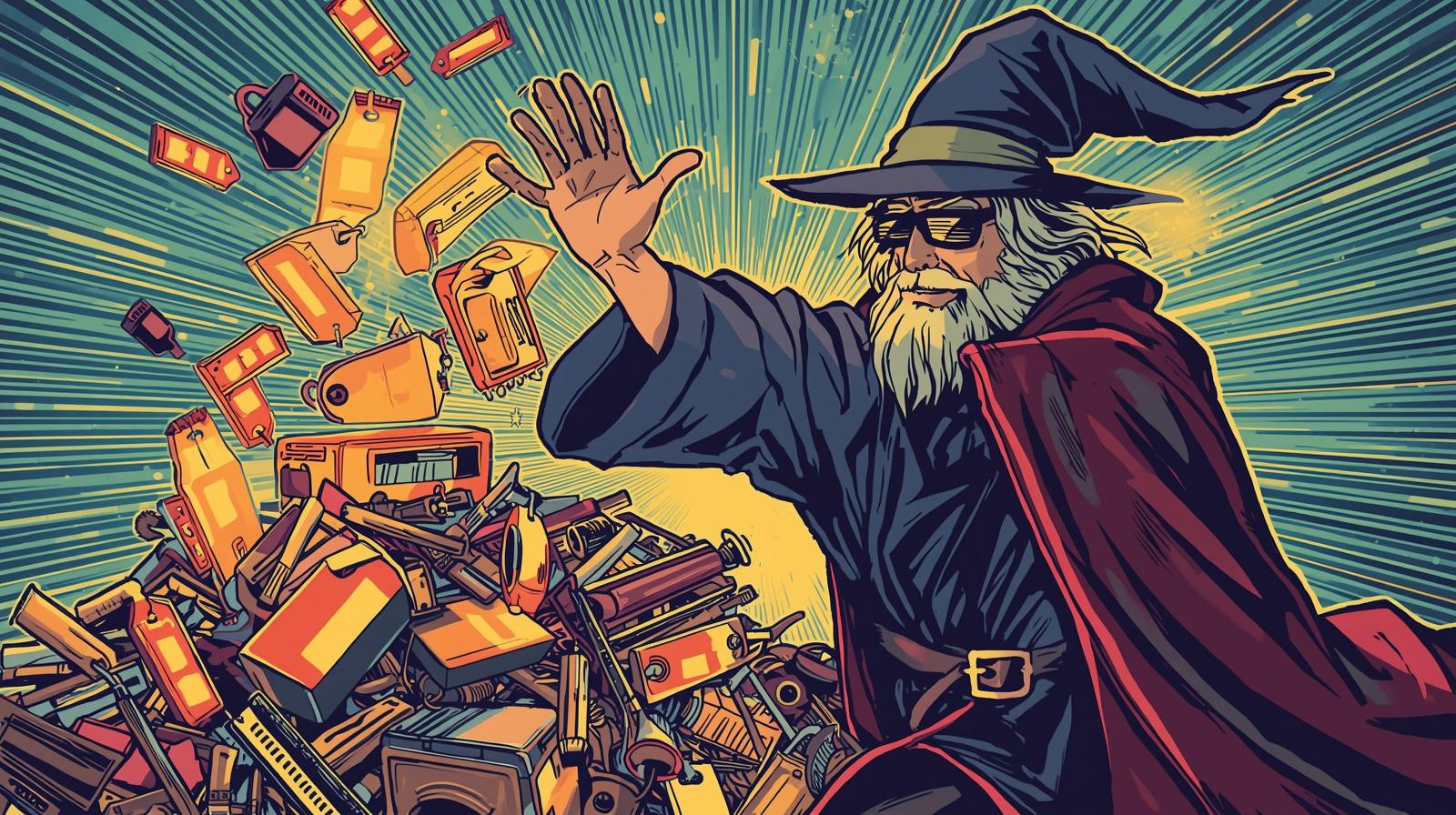
You've got stuff. Lots of stuff. And finding that one specific thing when you need it feels like searching for a needle in a haystack made of other needles. But here's the thing that'll blow your mind: tags are basically magic spells for your belongings.
While containers are like putting your stuff in neat little boxes, tags are like giving every item its own set of tentacles that it can use to grab other items with. They create invisible connections between your belongings that make finding exactly what you need effortless. Think of tags as the difference between a filing cabinet and a search engine for your life.
Why Tags Are Your Organization Superpower
Traditional organization methods force you to pick ONE place for everything. Your camping headlamp goes in either the "camping gear" box OR the "flashlights" drawer. But in the real world, that headlamp is camping gear AND emergency lighting AND outdoor equipment AND battery-powered devices.
Tags let your items exist in multiple categories simultaneously because life doesn't fit into neat little boxes, and neither should your organization system.
The Tag Taxonomy That Actually Works
1. Category Tags (What It Is)
These are your basic "what is this thing" tags:
electronicskitchen-toolsclothingdocumentstools
Pro Tip: Keep these broad. You want maybe 10-15 category tags max, not 47 variations of "kitchen stuff."
2. Functional Tags (What It Does)
These describe the job your item performs:
emergency-backupoutdoor-activityparty-suppliestravel-essentialsseasonal-decor
This is where the magic happens. When you're packing for a camping trip, you don't want to remember which drawer has what. Just search outdoor-activity and boom – everything you need appears.
3. Status Tags (What's Its Deal)
Track the current state or condition:
needs-repairloaned-outgift-ideassell-eventuallymissing-parts
Real talk: How many times have you bought something you already owned but couldn't find? Status tags stop that expensive nonsense.
4. Location Context Tags (Where It Lives/Works)
Different from physical storage locations:
garage-workshopguest-bathroomcar-essentialsoffice-backupbasement-storage
5. Occasion Tags (When You Need It)
Time-based or event-based needs:
holiday-hostingmoving-daypower-outageskids-activitiesdate-night
Tag Strategies That Actually Work
The "Multiple Lives" Approach
Your items have multiple identities. Embrace it:
Example: Portable Phone Charger
electronics(category)travel-essentials(functional)emergency-backup(functional)car-essentials(location context)fully-charged(status)
Now when you're packing for a trip, planning for emergencies, or just need to charge your phone in the car, this item shows up in every relevant search.
The "Future Self" Strategy
Tag things for how Future You will search for them, not how Present You thinks about them:
Present You thinks: "Bluetooth speaker"
Future You searches: party-supplies when hosting friends, outdoor-activity for beach days, bathroom-music for shower concerts
The "Crisis Mode" System
Create tags for when shit hits the fan:
power-outage(flashlights, battery radio, portable chargers)sick-day(thermometer, tissues, comfort food)lockout(spare keys, locksmith contact info)travel-emergency(first aid, backup documents, emergency cash)
When crisis strikes, you're not thinking clearly. Let past-organized-you save future-panicking-you.
Advanced Tag Wizardry
Tag Hierarchies (Without the Headache)
Use consistent prefixes to create loose hierarchies:
tech-cablestech-adapterstech-batteriestech-chargers
This lets you search broadly (tech-*) or specifically (tech-cables) without creating a rigid system that'll break down.
Seasonal Tag Rotation
Use year-based tags for items that rotate:
holiday-2024summer-2024tax-season-2024
When the season's over, you can easily find and pack away everything with that tag.
The "Shopping Prevention" Tag
Create a already-have-backup tag for items you tend to buy duplicates of:
- Phone chargers
- USB cables
- Batteries
- Gift wrapping supplies
Before buying something, search this tag. You'll thank yourself.
Common Tag Mistakes (And How to Avoid Them)
Mistake 1: Too Many Similar Tags
❌ kitchen, kitchen-stuff, cooking, food-prep, culinary
✅ kitchen-tools, cooking, food-storage
Fix: Pick one term and stick with it. Your future self doesn't want to remember whether you used "tech" or "electronics."
Mistake 2: Overly Specific Tags
❌ blue-winter-coat-with-fur-hood
✅ winter-clothing, outerwear, cold-weather
Fix: Tags should be broad enough to be useful but specific enough to be meaningful.
Mistake 3: Forgetting the "Why"
❌ Tagging based on what things are ✅ Tagging based on when and why you'll need them
Fix: Think about the scenarios where you'll search for this item, not just its physical properties.
The 5-Minute Tag Audit
Every few months, do this quick health check:
- Search your most-used tags - Are you getting relevant results?
- Look for orphan tags - Tags used on only one item might need consolidation
- Check for duplicates - "tech" and "technology" are doing the same job
- Review your "needs" tags - Update status tags that are no longer relevant
Tag Combinations: Where the Real Magic Happens
The power of tags explodes when you combine them:
electronics+travel-essentials= All your travel techtools+needs-repair= Your weekend project listkitchen-tools+party-supplies= Everything for hosting dinneremergency-backup+battery-powered= Disaster preparedness kit
This is where Stashdog's search really shines. Instead of digging through multiple collections or trying to remember where you put something, just search the combination that matches what you need right now.
Your Tag System, Your Rules
Here's the thing about organization systems: the best one is the one you'll actually use. Start simple:
- Begin with 5-7 basic category tags for your most common stuff
- Add functional tags as you realize you need them
- Don't overthink it - you can always add more tags later
- Be consistent - pick naming conventions and stick to them
Remember: tags are meant to make your life easier, not turn you into a librarian. If your tag system feels overwhelming, you're doing too much. Scale back to what actually helps you find your stuff faster.
The Bottom Line
Tags transform Stashdog from a simple inventory app into a powerful search engine for your life. They let you find exactly what you need, when you need it, without having to remember the specific drawer, box, or room where you stashed it.
Your stuff should work for you, not against you. Tags make that happen by creating the invisible connections between your belongings that mirror how your brain actually works – not how some organization guru thinks it should work.
So go ahead, embrace the chaos of having items that belong in multiple categories. Tag the hell out of your stuff. Your future self – the one frantically searching for that one thing five minutes before you need to leave – will thank you.
Ready to become a tagging master? Open Stashdog and start adding those tags. Trust us, once you see how much easier it makes finding your stuff, you'll wonder how you ever lived without it.