
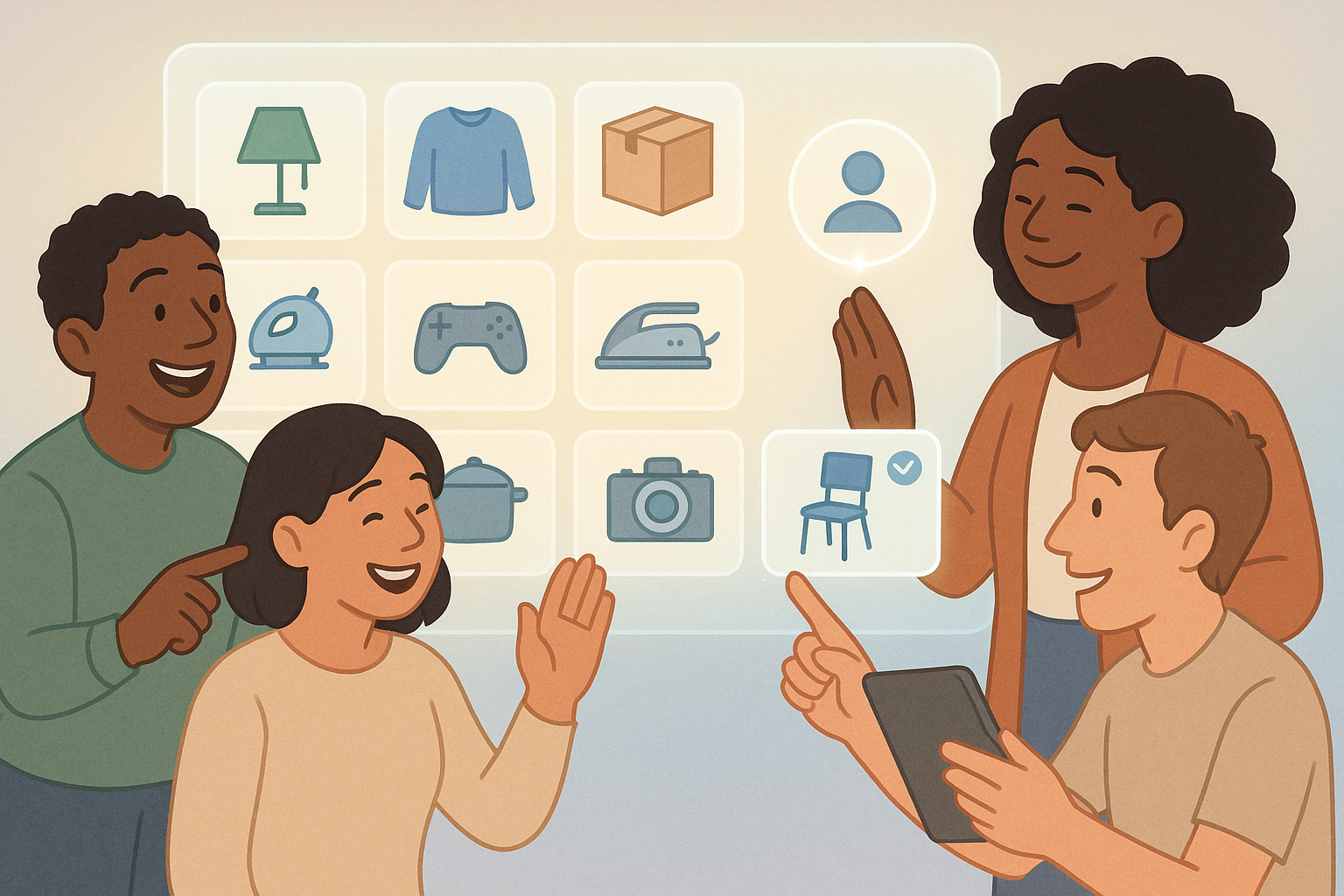
Mastering Sharing in StashDog: Share Your Stuff Without the Drama
Tired of playing hot potato with household items? Or maybe you're juggling an Airbnb empire and need your cleaning crew to know where the extra towels are without a treasure hunt? Enter StashDog's sharing features – the secret sauce to turning your chaotic inventory into a collaborative command center. We're diving deep into how to add friends, share items and collections, set permissions like a boss, and even create groups to keep things organized. Buckle up; this is going to make your life way less messy.
Adding Friends: Your First Step to Shared Sanity
First things first: sharing starts with connections. In StashDog, adding friends is as easy as sending a text (but way more productive). Head to your profile, hit the 'Friends' tab, and search for their email or username. Once they accept your invite, boom – they're in your circle.
Why bother? Because now you can share specific items or entire collections without emailing blurry photos or screaming across the house. Perfect for roommates who 'borrow' your blender and never return it, or family members who need to know what's in the garage before the next move.
Sharing Items and Collections: Permissions That Actually Make Sense
StashDog isn't just about hoarding your stuff digitally; it's about controlled chaos. When you share an item or collection, you get to play gatekeeper with three permission levels:
- Viewer: They can peek but not touch. Ideal for guests or that nosy neighbor who wants to see your vintage record collection without sticky fingers.
- Editor: They can add, edit, or move items. Great for spouses or kids who help organize but need to keep things accurate.
- Admin: Full power – they can do everything, including managing shares. Hand this to your trusted co-parent or property manager.
Pro tip: Sharing a container? It automatically includes its contents unless you've marked something as 'classified.' Keep those private heirlooms hidden from prying eyes – StashDog respects your secrets.
Level Up with Groups: Manage Access Like a Pro
If you're sharing with a squad – think family, work team, or Airbnb rotation – individual shares get tedious fast. Enter groups: create one for 'Family,' 'Cleaning Crew,' or 'Roommates,' add members in bulk, and assign permissions to the whole crew at once.
Updating access? Just tweak the group settings instead of hunting down every single share. It's like having a digital rolodex for your inventory access, minus the outdated business cards.
Real-Life Wins: How Sharing Saves Your Sanity
Imagine this: You're hosting Thanksgiving, and Aunt Karen needs the good china from the attic. Instead of chaos, she logs into StashDog (as a viewer), finds the collection, and retrieves it hassle-free. Or your roommate updates the shared grocery list items without double-buying.
StashDog's sharing isn't just functional; it's fun. No more 'Where's my stuff?' drama – just seamless collaboration.
Ready to share the load? Download StashDog today and start connecting. Your inventory (and your relationships) will thank you.