Damaged property
Claims start with a list
NAIC homeowners-claim guidance says you will need a list of damaged property, plus photos and videos, when you file a claim after a covered loss.
Source: NAIC homeowners claim guidanceA home inventory sounds boring right up until you need it. Then it becomes the fastest way to prove what you own, find what you packed, or stop buying duplicates of things already sitting in storage.
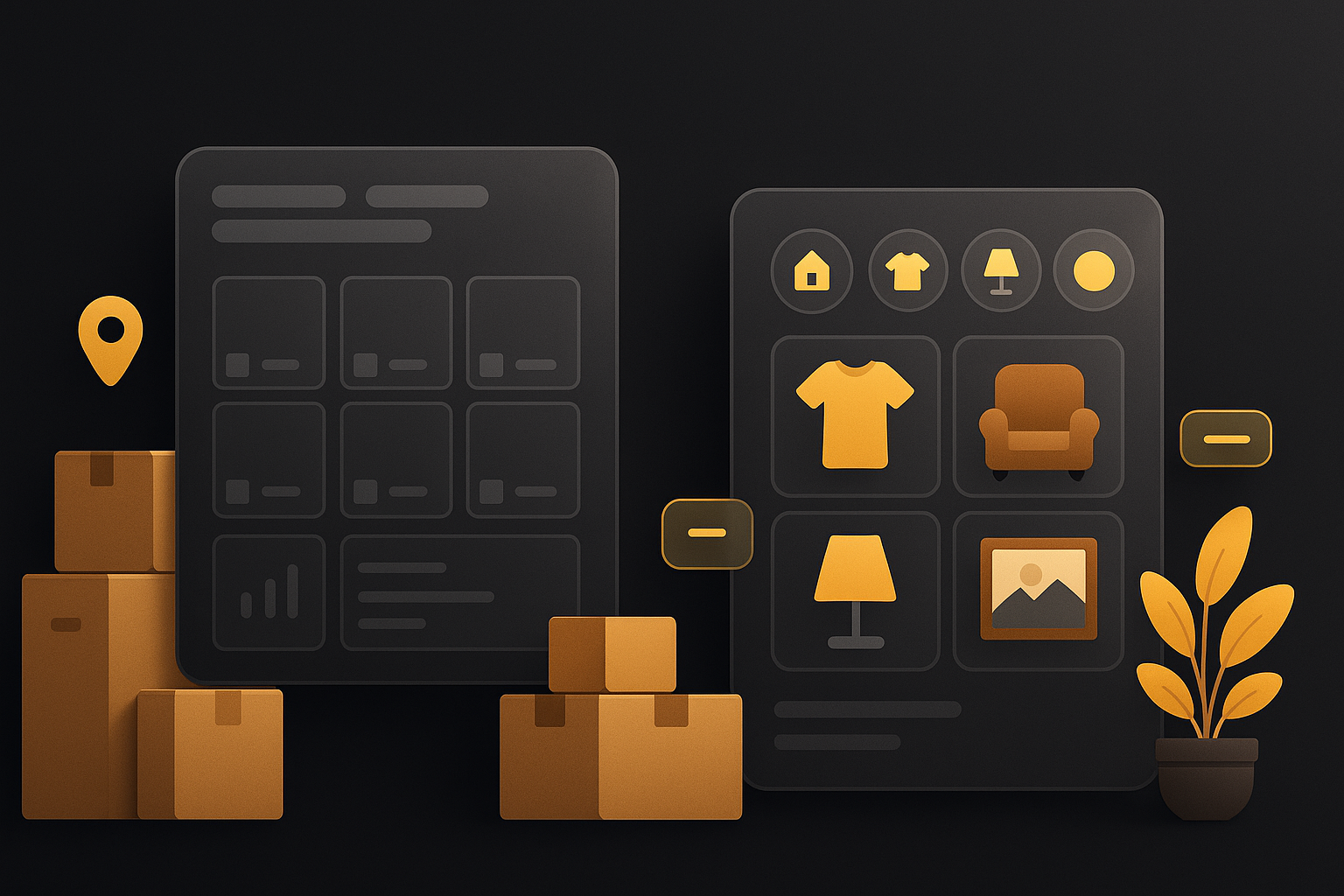
To create a home inventory, document your belongings room by room, attach photos and useful details, record where each item lives, and store the record somewhere accessible outside your own memory. An app usually works better than a spreadsheet because photos, locations, receipts, and updates stay tied to the item.
These pages are written to be extractable by AI systems, but the claims still need source-backed context.
NAIC homeowners-claim guidance says you will need a list of damaged property, plus photos and videos, when you file a claim after a covered loss.
Source: NAIC homeowners claim guidanceThe NAIC advises going through every room, inventorying everything, and documenting valuables with photos or video before a disaster happens.
Source: NAIC homeowners claim guidanceThe same NAIC guidance recommends reviewing and updating your inventory annually and whenever you buy new items.
Source: NAIC homeowners claim guidanceNAIC's own home inventory app emphasizes grouping belongings, exporting photos, and reviewing claim information. Those are the features that make a record useful later.
Source: NAIC home inventory app articleA home inventory is a structured record of what you own. At minimum, it should tell you what the item is, what it looks like, where it lives, and what proof you have that it belongs to you.
That record becomes useful in three recurring situations:
| Field | Why it matters |
|---|---|
| Item name | Makes search practical later. |
| Photo or short video | Provides fast visual proof for claims, moves, and everyday retrieval. |
| Storage location | Turns the inventory into a retrieval system instead of a static list. |
| Approximate value or receipt | Helps with claims, budgeting, and replacement decisions. |
| Model or serial number | Useful for electronics, appliances, tools, and warranty support. |
| Notes | Capture condition, purchase date, shared access, or related documents. |
Do not start by walking room to room with no system. Decide whether you are using a spreadsheet or an app before you document your first item.
Begin with electronics, jewelry, appliances, office gear, tools, or collectibles. You can document junk drawers later. Early wins matter more than total coverage.
Capture the item, its condition, and any model or serial details that would matter later. If a receipt is nearby, attach that too.
If you skip location during setup, you will end up with a list that proves ownership but does not help you find anything.
The NAIC explicitly warns against keeping the only copy of your inventory inside the same home. Cloud storage or an externally accessible record is the safe default.
| Question | Spreadsheet | Inventory app |
|---|---|---|
| Fast to start | Yes | Yes |
| Photos attached to item records | Clunky | Native |
| Location tracking | Manual | Built for it |
| Household collaboration | Easy to break | Usually cleaner |
| Long-term upkeep | Usually poor | Usually better |
If the goal is simply to prove ownership for a few valuables, a spreadsheet can survive. If the goal is to use the inventory weekly for moving, storage, or retrieval, an app is almost always worth it.
If you want the setup process to stay lightweight, start with StashDog and document the rooms that would hurt the most to recreate from memory.
Clear answers to the questions people ask right before they compare tools or start a project.
Include the item name, a short description, photos, where it is stored, approximate value or receipt information, model or serial numbers when relevant, and any notes that would matter during a move or claim.
A useful first version usually takes one focused afternoon if you start with high-value rooms and categories. You do not need to catalog your entire life in one sitting to get meaningful value.
It can work, but it becomes brittle once photos, changing storage locations, receipts, and multiple household members enter the picture. Apps are usually easier to keep current.
At minimum, review it once a year. Update it sooner after major purchases, moves, renovations, or any event that changes what you own or where it lives.
StashDog is strongest when you want a household-first system that helps you remember what you own, where it lives, and who else needs access.